Director
Functionality and flexibility.
A free animated typewriter text effect for DaVinci Resolve. Double-click the .drfx while Resolve is open to install, then drag it from Effects onto your timeline for instant typed-text animation.
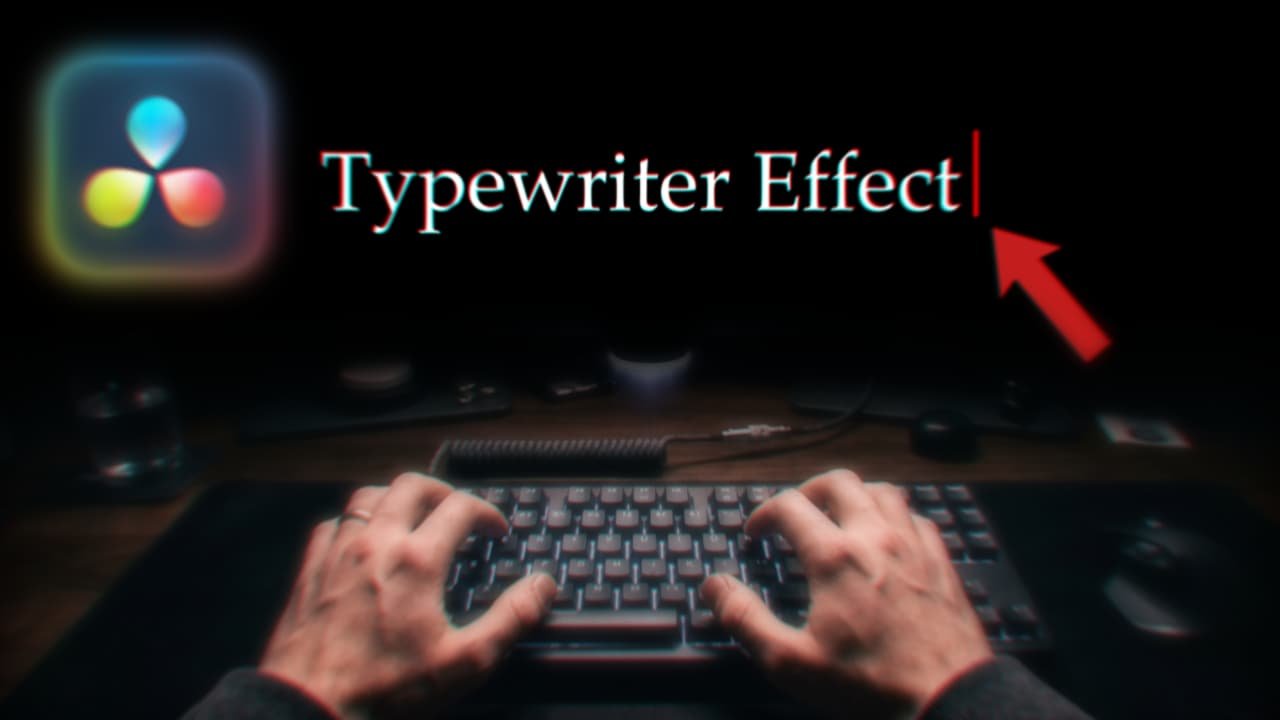
Functionality and flexibility.
esta genial muchas gacias
Exlnt!!!
Sehr gut
Good,but found a bug : screen flickering occurs when using Chinese text.
After you download Clipizo Typewriter, your download email has a Leave a review link. Reviews written there appear here labelled Verified download.
Uses a free Clipizo account. Your review is labelled Clipizo member and appears after approval.
Verified reviews come from Clipizo downloads · Member reviews are moderated · No review is hidden for its rating.
Clipizo Typewriter is a free DaVinci Resolve title preset distributed as a .drfx file. It recreates the classic typewriter text reveal effect where characters appear one by one with an optional blinking cursor. Designed for documentary style videos, YouTube intros, lower thirds, social media clips, and any project that needs a clean retro or terminal-style text animation. No Fusion node setup required — just install the .drfx by double-clicking it while Resolve is open, then drag it from Effects onto your Edit Page timeline. The preset is UTF-8 encoded for full international character support and is free from the Clipizo store.
Questions about your setup? Ask in the Clipizo Discord or send us a message.
Clipizo Typewriter Pro.drfx title package for the Edit page.
The installed package is a title in Edit → Effects → Titles → Clipizo. Select the title clip and open Inspector to edit it. Its duration must include the typing interval.
Some controls appear only after choosing the relevant mode.
Still stuck? Contact Clipizo with the plugin version, Resolve version, operating system and the exact error message.
Check the requirements first.